
When you’re working as a copywriter, there is far more checking and polishing involved than people sometimes expect, especially newer writers who are still getting used to the process. Once the first draft is done, you will still find that there are things you have missed or need to clean up before the copy is ready to go. Having to switch between different versions of English can complicate things further, and before long, your spelling and phrasing can start sounding like they belong to several different places at once.
Grammarly for copywriters can be especially useful during the checking stage, and the writing assistant has become one of the most reliable tools I use for that part of the job. I even wrote this article with the software running in the background, which feels quite fitting considering how often I rely on it while working.
For me, the tool is like an assistant of sorts, helping me catch things I may have overlooked and making the final editing stage a little easier without taking the actual writing decisions out of my hands. With that in mind, I thought I would run through the different ways Grammarly has made my job a lot easier.
Spotting what slips past me
One of the more frustrating parts of proofreading your own work is how easily familiarity can, at times, start working against you. After spending a fair amount of time staring at the same draft with tired eyes, having a second pair on the copy can be really helpful, and Grammarly usually fills that role for me.
Once you have read the same sentence over and over, you start seeing the words you meant to write instead of the ones that are actually on the page (call it a proofreading blind spot, if you will). That is when small errors like duplicated words, stray commas, double spaces, typos or missing articles can slip through unnoticed, even inside a paragraph you have rewritten several times.
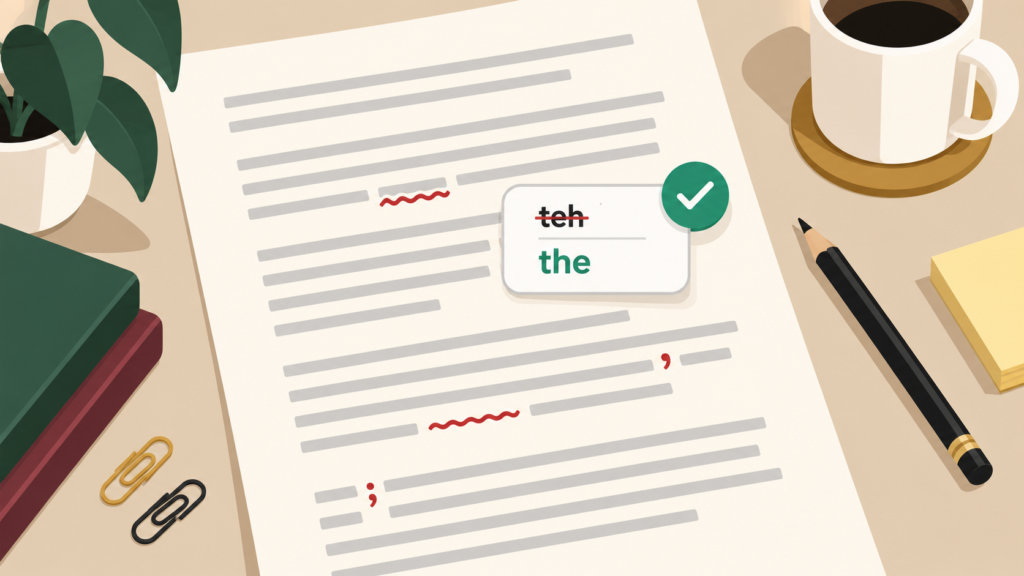
For me, Grammarly gives each draft a pretty thorough first sweep, picking up on spelling, grammar, punctuation and commonly confused words before I move on to the finer details myself. The free version goes a little further too, with concision suggestions and tone detection included alongside those basic checks.
However, that does not make every flag correct, because there are times when Grammarly wants to change something I have written deliberately, especially when the copy is conversational or uses a less formal sentence structure. That’s where your own judgment really comes into play, as you still need to decide whether a suggestion genuinely improves the copy or takes away from the voice you were trying to keep.
Even when I choose not to follow every suggestion, the small errors Grammarly does catch are often the ones I appreciate most. A tiny mistake may seem harmless while I am working, but once the copy reaches the client, it can make an otherwise polished piece look sloppy.
Keeping my English from getting mixed up between assignments
Copywriters are often required to use different versions of English depending on the assignment. For instance, one client might want me to use British English, while another may ask for American spelling or Australian conventions.
That can become surprisingly easy to lose track of once you are moving between assignments. Words like “colour” and “color” are obvious, but plenty of smaller differences are much easier to overlook. Some changes are as subtle as a slight difference in spelling or punctuation, so it is easy to mix one version of English with another without noticing.
A feature I find incredibly handy is that Grammarly lets me choose between American, British, Canadian, Australian and Indian English. The option I select changes the spelling, grammar and punctuation suggestions I receive, which makes it much simpler to keep the language consistent throughout a piece.
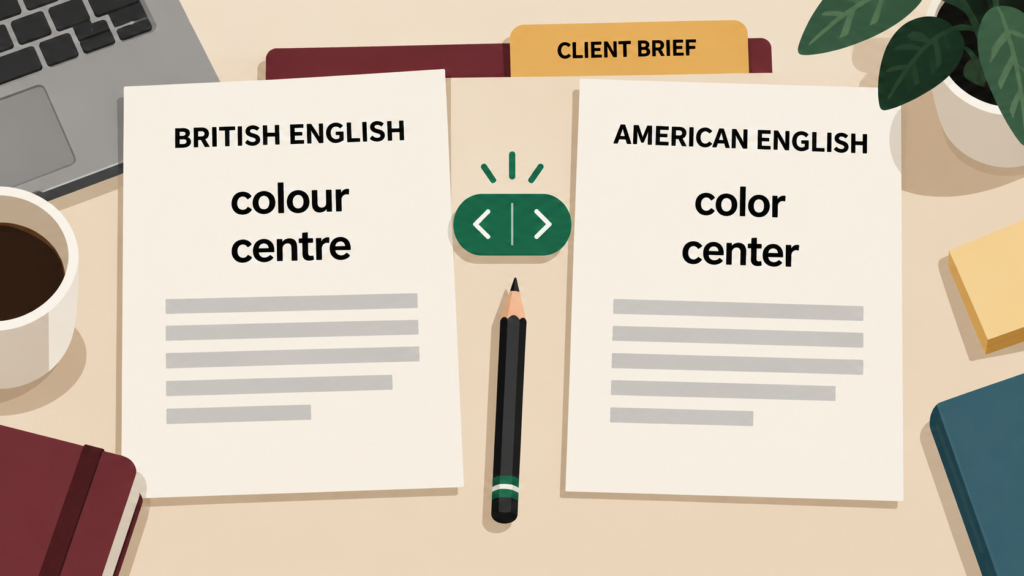
Obviously, the first step is knowing the client’s requirements, often from the brief they provide. Once I have selected the right language setting, Grammarly can help me follow those requirements throughout the piece.
Switching between these language settings only takes a moment and is very easy to do. Remembering every small spelling or punctuation difference yourself becomes much harder after you have been writing and editing for several hours.
Catching clunky sentences before they stay
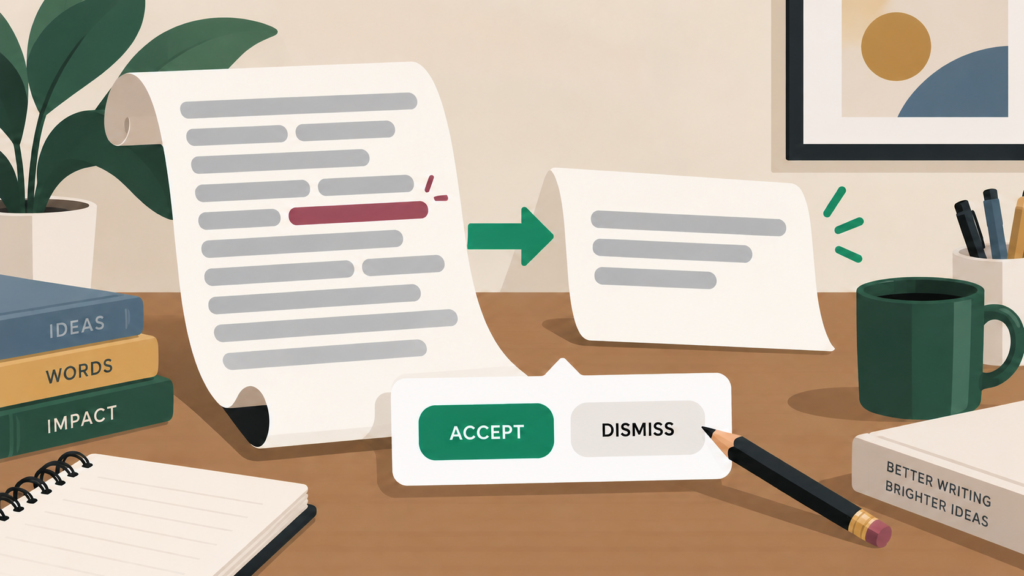
A sentence can be grammatically correct and yet still be an unpleasant and sometimes mind-boggling read. Grammarly’s clarity and concision feedback can take over from a basic spellchecker by flagging fluff or phrasing that may be harder to follow.
On the paid plan, the feedback covers areas including word choice and fluency. Personally, I treat these suggestions as prompts to revisit the sentence, as opposed to automatic instructions to rewrite it.
Sometimes the original reads better, while in other cases Grammarly has spotted a genuine problem even if its suggested replacement is not how I would fix it. The flag still helps because it draws my attention to a sentence (thanks to its distinctive underline) I may otherwise have left alone.
Copywriting has a lot to do with rhythm and voice, so there is rarely one universally correct way to phrase something. The tool can let me know when a sentence looks wordy, but I still decide whether shortening it would actually make the copy better or strip away something I wanted to keep for a reason.
Tone checks help when the voice starts slipping
Grammarly can detect tone on its free plan, while paid plans give you more to work with. In the Grammarly Editor, the Goals feature also lets you set the intended audience and how formal you want the writing to sound.
When writing manually, tone can sometimes drift during a long draft without the writer noticing straight away, and the copy can gradually move away from the voice they started with. For example, one section may start sounding stiffer than the rest of the article, or a sentence may come across more abruptly than intended.
The tone detector gives me another useful signal to consider during the final edit. I wouldn’t always assume Grammarly has judged the tone correctly, but its feedback still helps me check how a passage might sound to the reader.
Every client wants their copy to sound a certain way, and Grammarly won’t automatically know what that is. You can add some preferences through style rules, but I still use the brief and the client’s usual voice to guide my final call.
Where I write, Grammarly usually follows
A proofreading tool is much more useful to me (and I can probably speak for most writers here) when I don’t have to move every draft into a separate website just to check it, then copy everything back into the main document afterwards.
Grammarly makes that process simpler because it works in many of the places I already use to write. That includes major browsers, desktop apps, Google Docs, Microsoft Word and mobile apps, with suggestions appearing directly inside supported websites and programs.
To get into specifics, the browser extensions work with Chrome, Safari, Firefox and Microsoft Edge. In Google Docs, Grammarly works through the browser extension, while on Windows, it can run directly inside Microsoft Word. There are mobile versions for Apple devices and Android phones, too.
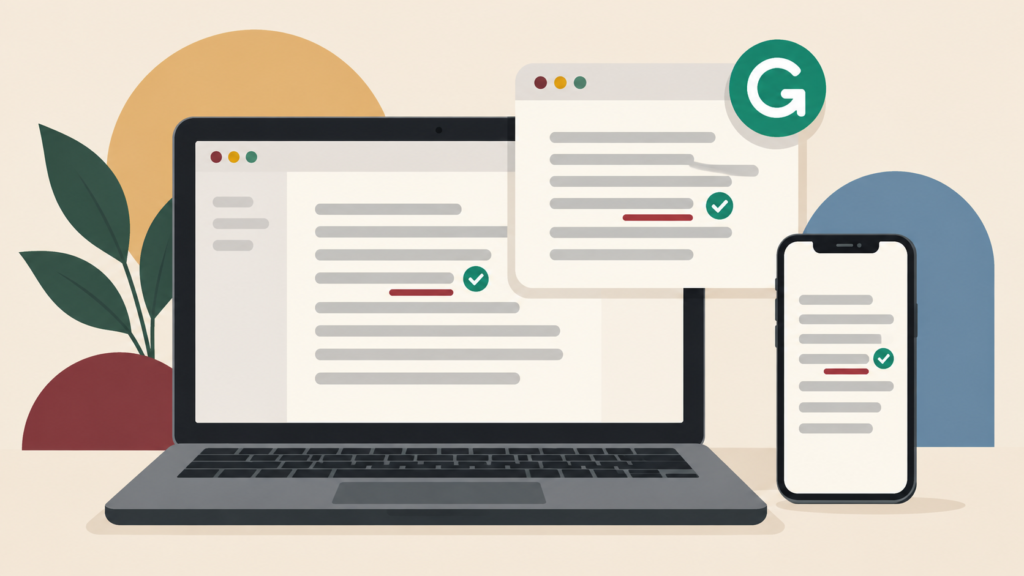
Being able to check things as I write is a big part of the appeal for me because I can keep an eye on basic mistakes without constantly interrupting my workflow to run a separate check.
One slight consideration is that Grammarly won’t work everywhere, so there are still some websites and text fields where the checker may not appear or work properly. Overall, though, the tool reaches enough of the places I write in that I can use it through a large part of my normal working day.
Why I keep Grammarly running
By the time I am getting a piece ready to hand over, Grammarly has usually been running in the background for most of the editing process. At that point, the tool has given me another way to keep tabs on the copy while I work through my own final checks.
Having the software active makes proofreading my own work feel less scattered, especially once I have read the same copy enough times for my fatigued brain to start glossing over certain mistakes. The plagiarism checker, which is available on paid plans, is another feature I often use for one last originality check before I send a piece off.
As I implied earlier, there is still no substitute for reading the piece yourself thoroughly before it goes anywhere, because Grammarly can miss errors or suggest a change that simply does not suit the client. For that reason, every suggestion still needs my own judgment before I act on it.
Ultimately, using Grammarly gives me more confidence before I send something off, without making me feel as though I have relinquished the control I still want to have over the writing itself.